Data Gateway IDE
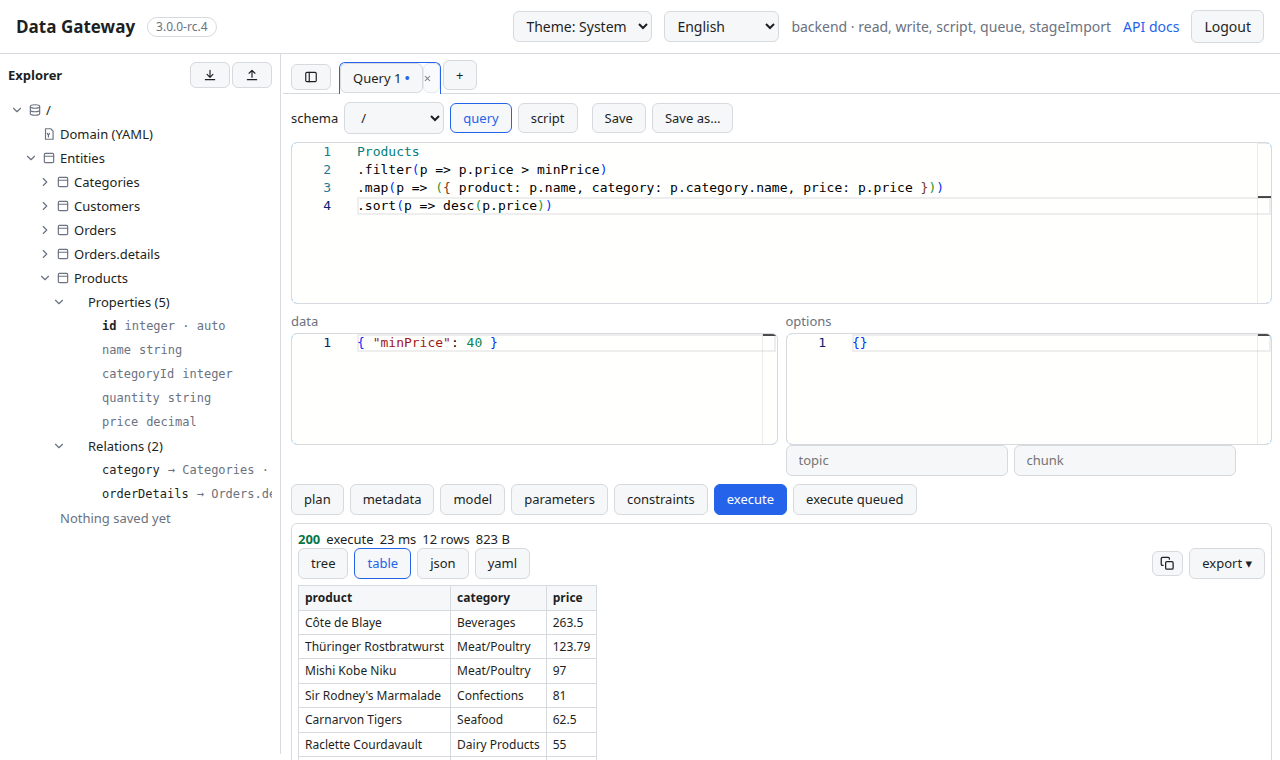
The IDE of the Data Gateway: connect to your gateways, browse their schemas, read each entity as a form, write queries with autocompletion, draw diagrams and administer the schemas. Like a database IDE, it connects to gateways, one or several, each with its credential; their schemas, workspaces and projects stay in them.
It comes in two ways, the same app and the same version:
- The desktop app, for Linux, Windows and macOS, downloaded from Download: it runs on your machine and connects from it.
- The web IDE, the image
flaviorita/data-gateway-ide, deployed next to the gateways and used from the browser (In a container).
How to use it is in the guide.
Where it connects
The IDE connects to the management port of each gateway (Transports),
with a session opened with your credential. The desktop app connects from
your machine: for a gateway that is not on it, a VPN, an SSH tunnel or a kubectl port-forward reaches its
management without publishing it (Where the IDE runs).
In a container
For a web IDE shared by a team, next to the gateways, with management only on their internal network:
docker run -p 127.0.0.1:8090:8080 -e DATA_GATEWAY_IDE_TARGETS='http://data-gateway:9090' flaviorita/data-gateway-ide
See Deploying it in the guide.