Connections
A connection is a gateway the IDE works with: the address of its management port and a credential. The IDE has no
login and no home page: it keeps its connections, and the first time it opens on a New connection. Several
connections can be open at once, each with its schemas in the explorer and its tabs side by side.
A new connection
The + of Connections in the explorer, or the menu ☰ → New connection:
| Field | What it is |
|---|---|
| Name | how the connection is shown (local, production…) |
| Protocol | REST · http or REST · https |
| Management address | host:port/base path of the management of the gateway, as the server of the IDE reaches it: data-gateway:9090 for a web IDE in the same compose, localhost:9090 for the desktop app on the machine of the gateway |
| Authentication | API key (its Header, default X-Api-Key, and its Key), Bearer token, Basic (user and password) or None |
| Remember the key in this browser | kept with the connection; otherwise only in that tab of the browser, and asked again after closing it |
| Other URLs of its transports | the URLs of its REST, WebSocket and MCP, only when the IDE doesn't reach them at the ports the gateway tells (a proxy in front, another network) |
Show shows the key that was typed. Test opens a session and closes it at once: Connected as admin ·
data-gateway 4.0.0, or why it couldn't. Connect adds the connection.
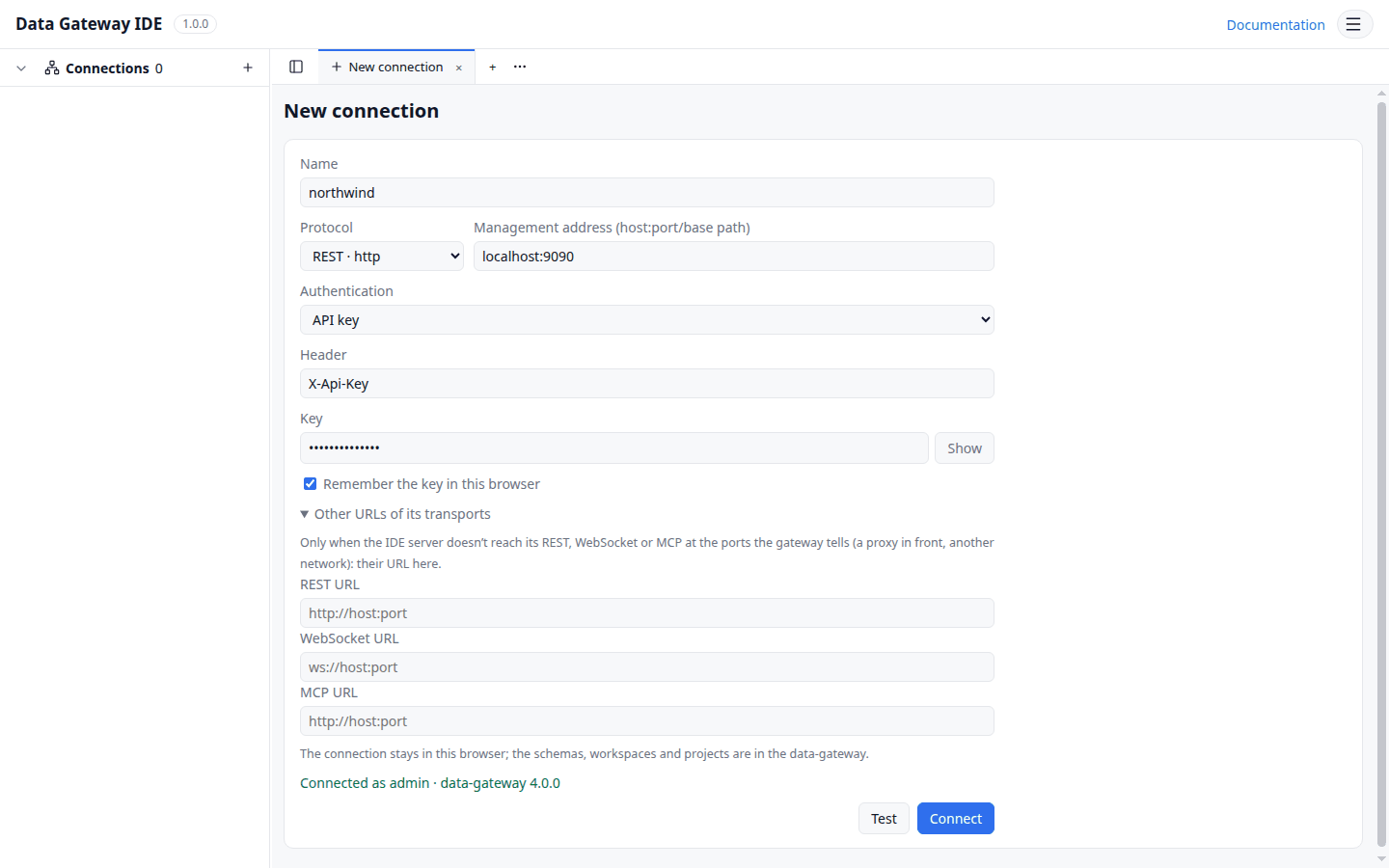
The connection stays in the browser (in the desktop app, in its data); its schemas, workspaces and projects are in the gateway. Removing a connection removes it from the IDE only: nothing is removed from the gateway.
Its row in the explorer
| Element | What it does |
|---|---|
| ✎ Edit the connection | opens its page |
| 🗑 Remove | asks, and removes it from the IDE |
| ⚠ in place of its icon | something to see: the pointer over it says what |
The problems it tells, in red under its name:
- Its key: open the connection to enter it — the key was not remembered and the tab of the browser was closed.
- The credential is not valid.
- The IDE server can't reach the data-gateway — its address, or its
managementis not exposed; the reason follows (a target not allowed: Deploying). - The session ended: … — revoked (below).
- The session ends in 2 minutes: save what you are editing.
Its page
✎ opens Connection: name, with four tabs.
Connection
The form above, with Save (saving it unchanged connects it again, after a revocation) and Remove. Under it, who the credential is: its name, the URL and its authentication.
Tools
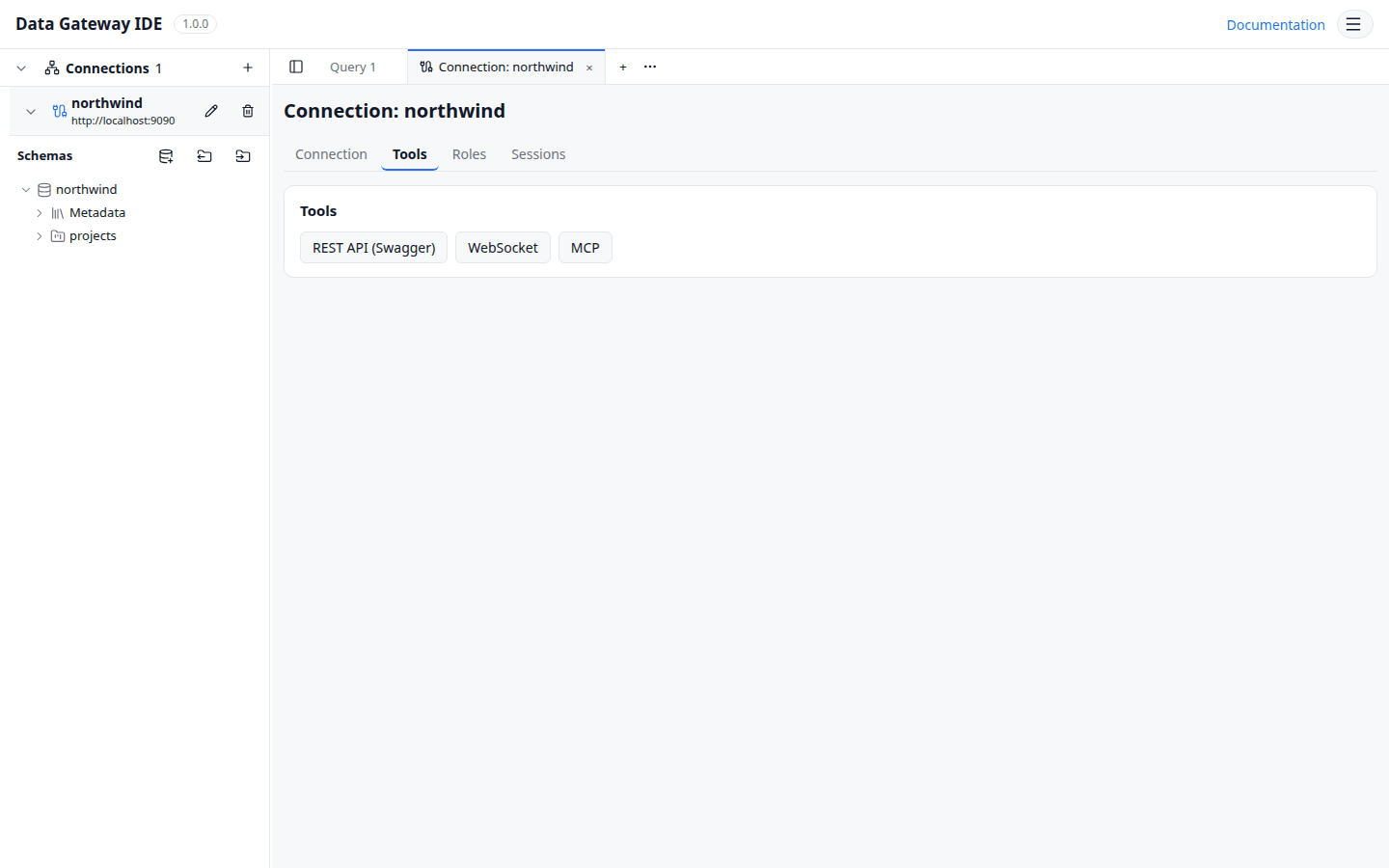
The REST API, WebSocket and MCP of the gateway, each in a tab of its own, with the credential of the connection. A
transport the gateway doesn't expose is disabled. The IDE learns where they are from the gateway (GET /transports of
its management), or from Other URLs of its transports.
| Tool | What it has |
|---|---|
| REST API (Swagger) | the OpenAPI of the gateway, every method with Try it out; the credential goes with each request |
| WebSocket | a Schema, Connect / Disconnect, its methods (from its AsyncAPI: a click fills the request), the Request (JSON-RPC) with Send (Ctrl+Enter) and the Messages sent and received (the last 200) |
| MCP | a Schema and Connect, then its Tools: one chosen, its Arguments (filled with the required ones), Call (Ctrl+Enter) and its Result |
Roles
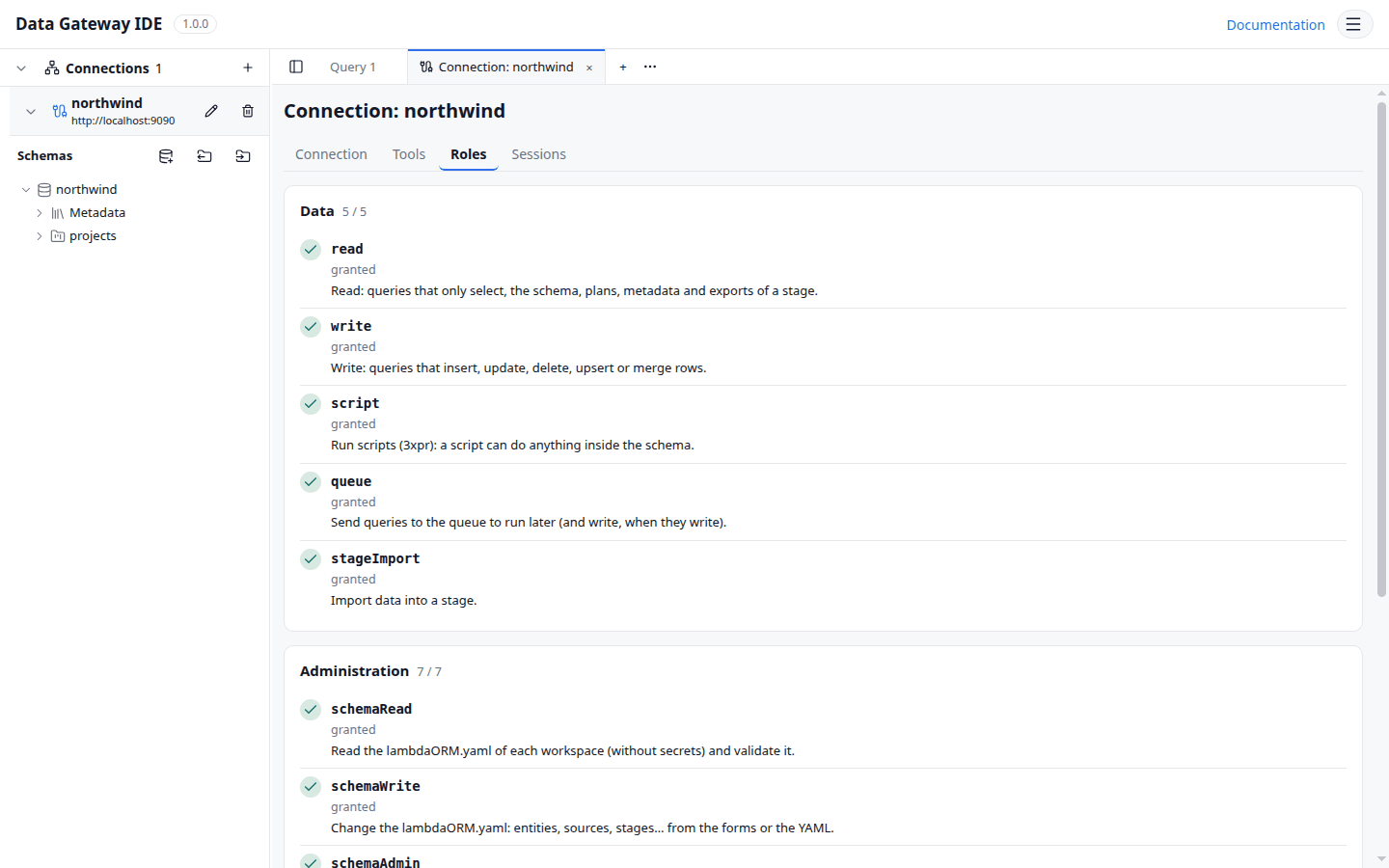
What the credential may do: each permission, granted or not granted, with what it allows.
| Permission | Allows |
|---|---|
read |
queries that only select, the schema, plans, metadata and exports of a stage |
write |
queries that insert, update, delete, upsert or merge rows |
script |
run scripts |
queue |
send queries to the queue, to run later |
stageImport |
import data into a stage |
schemaRead |
read the lambdaORM.yaml of each workspace (without secrets) and validate it |
schemaWrite |
change the lambdaORM.yaml: entities, sources, stages…, from the forms or the YAML |
schemaAdmin |
create and remove schemas, set the variables of their .env |
workbenchWrite |
save queries, scripts and diagrams in the projects of the workspaces |
ddl |
change the structure of the databases of a stage (push, drop) |
build |
generate the code of the domain in src/ of the workspace |
sessionAdmin |
see every session of management and revoke those of other credentials |
The permissions are given to each credential in the configuration of the gateway (Security).
Sessions
Connecting logs in to the management of the gateway (sessions): the IDE
keeps the token in that tab of the browser, and every request carries it, never the key.
- When the session expires (30 minutes without activity, or 12 hours) and the key is at hand, the IDE opens another one by itself; without it, it asks for the key.
- When it is revoked, the IDE says who revoked it and doesn't come back by itself, even with the key remembered: saving the connection again connects it.
- The IDE keeps the WebSocket of events of the gateway open: the session shows as connected (a green ●), and a schema that changes, or something saved by someone else, shows at once.
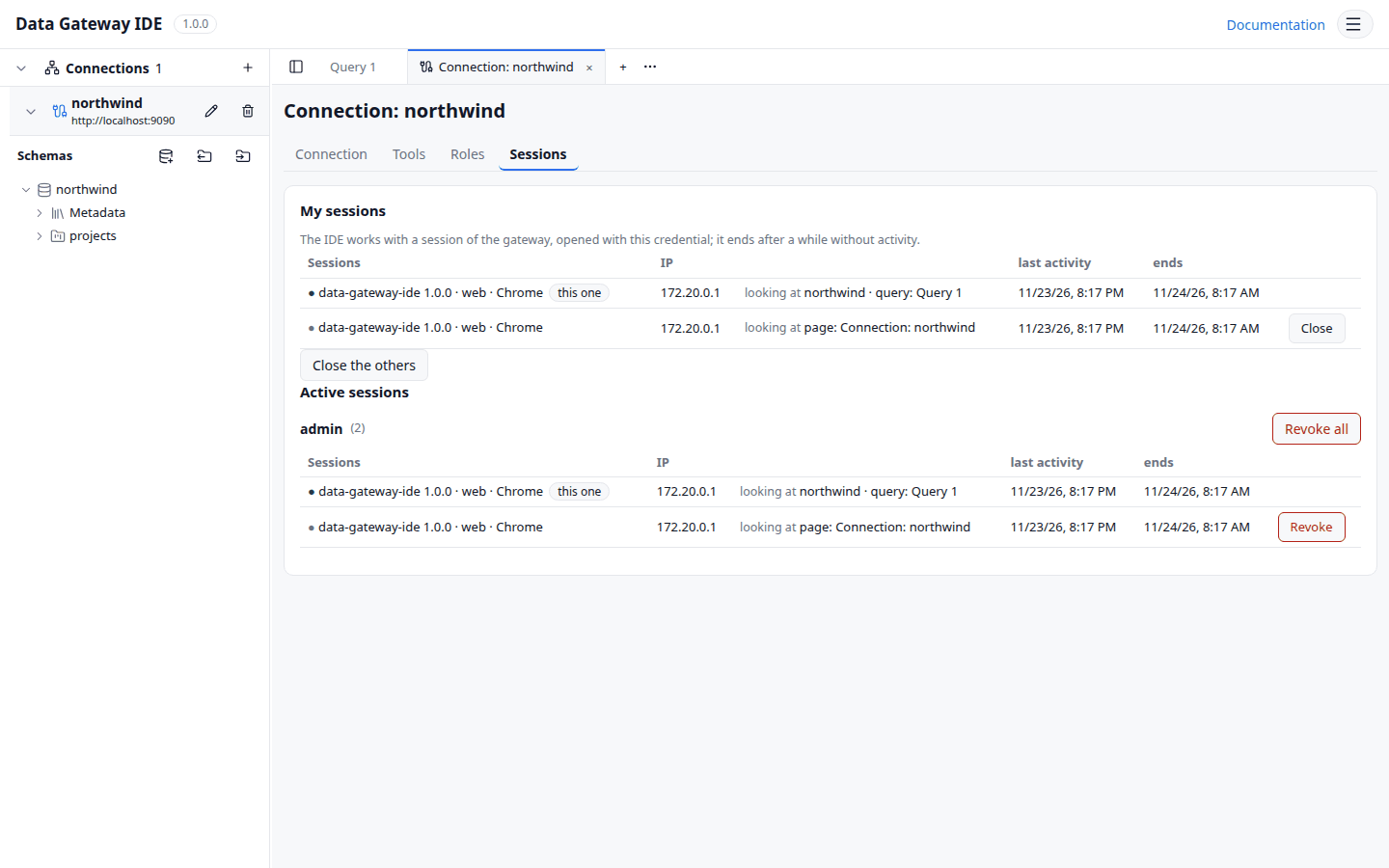
My sessions lists the sessions of the same credential: this one (this one) and the others (another tab, browser or computer), each with its client, its address, what it is looking at, its last activity and when it ends. Close closes one; Close the others, all but this one.
With sessionAdmin, Active sessions lists every session of the gateway by credential: Revoke one, or Revoke
all of a credential (asked first; on yours, this session stays).